
What to Include in a Retreat Registration Form (+ Guest Checklist)

A retreat registration form should collect the information needed to confirm a booking, not every detail you might need before the retreat starts. For most hosts, that means contact details, the retreat or date selected, room choice, payment information and essential acknowledgements. More detailed guest information can follow through a separate intake step.
This guide gives retreat hosts a field-by-field checklist for both stages, so you can reduce booking friction without leaving important operational information until the last minute.
What should a retreat registration form include?
A retreat registration form should cover the details required to identify the guest, understand what they are booking, process payment and confirm essential terms. Deeper information such as emergency contacts, dietary requirements, accessibility needs, travel plans and relevant health information can usually be collected later through a retreat intake form.
Typeform's retreat registration guidance lists contact details, dietary requirements, accommodation preferences, health information, emergency contacts and payment among common fields. The useful distinction for hosts is not only what to collect, but when to collect it.
Registration form vs retreat intake form
Registration secures the booking. Guest intake prepares you to deliver the retreat. The first stage should make it easy for a guest to choose, book and pay. The second gives you time to collect the detailed information needed for meals, accessibility, arrivals, waivers and other practical preparation.
What belongs in the registration form?
Keep this stage short and functional. Ask for identity and contact details, what the guest is booking, their room or accommodation choice, payment information and essential acknowledgements. If a piece of information does not affect whether the booking can be completed, consider moving it to intake.
What belongs in the guest intake form?
Post-booking intake is the better place for emergency contacts, dietary requirements, accessibility needs, relevant health information, arrival and departure details, later-stage waivers and optional personal questions that help you prepare for the retreat.
Why one giant form can hurt bookings
Baymard's 2024 checkout research found that 17% of users had abandoned a purchase because checkout was too long or complicated. Its benchmark averaged 11.3 form fields, while Baymard says most checkouts need only about eight. This is ecommerce evidence, not retreat-specific, but the UX lesson is useful: do not add unnecessary work before booking.
Gather Software can keep booking, guest intake and waivers within the same guest journey instead of splitting them across disconnected tools.

Essential contact and booking details
Ask only for the information needed to identify the guest, contact them and understand exactly what they are booking. For most retreat businesses, that means a small set of fields tied directly to the reservation rather than a long questionnaire covering everything your team might eventually want to know.
Full name
Email address
Phone number
Retreat date or departure selected
Room or accommodation choice
Number of guests, where relevant
Billing information, where required
Jotform's retreat registration template also includes emergency contacts, health considerations, dietary requirements and a signature. Treat that as a broader information set, not a reason to place every field in checkout. If accommodation is part of the booking, room booking tools can keep room choice and guest details connected.
Emergency, dietary and accessibility information
Emergency, dietary and accessibility details affect how you prepare for each guest, but many do not need to block the original booking. Collect them afterwards unless the answer changes whether you can accept the reservation or fulfil a specific accommodation requirement at the point of booking.
Your intake form can ask for an emergency contact, dietary requirements, allergies, accessibility requirements, relevant mobility needs and other practical accommodation needs. Keep the wording specific to what your team must prepare. That makes the questions easier to answer and reduces unnecessary personal disclosure.
Health and medical questions: only ask what you need
Health questions should have a clear operational purpose. Avoid collecting sensitive information simply because another retreat form asks for it. If a health detail does not change how you prepare, support participation or respond to a foreseeable need, it may not belong in your questionnaire.
For businesses subject to EU GDPR or UK GDPR, data concerning a person's health receives additional protection as sensitive or special category data. Ask only what is relevant, explain why you need it, and use appropriate guidance for how that information should be handled.
Travel and arrival details
Arrival times, departure plans and transfer details matter for logistics, but they rarely need to be part of checkout. Collect them after booking, once the guest has had time to confirm transport. That keeps registration focused while still giving your team the information needed to plan arrivals.
Useful fields can include arrival and departure date and time, flight or transport details where needed, airport transfer requests, estimated venue arrival and a travel contact number. Match the questions to your actual logistics rather than copying a generic travel form.
Waivers, policies and acknowledgements
Hosts may need guests to acknowledge cancellation policies, terms, waivers or participation requirements, but the wording should match the retreat and the legal requirements that apply. Keep essential confirmations in the right place, and avoid assuming that a generic waiver template solves every liability or compliance question.
Possible items include cancellation policy acknowledgement, acceptance of terms, waivers where appropriate, photo consent if genuinely needed, and a signature or confirmation step. Some may be booking-critical. Others can be completed after booking before the retreat begins.
As a UK example, section 65 of the Consumer Rights Act 2015 says a trader cannot exclude or restrict liability for death or personal injury resulting from negligence. Waiver wording should therefore be treated as jurisdiction-specific rather than copied blindly.
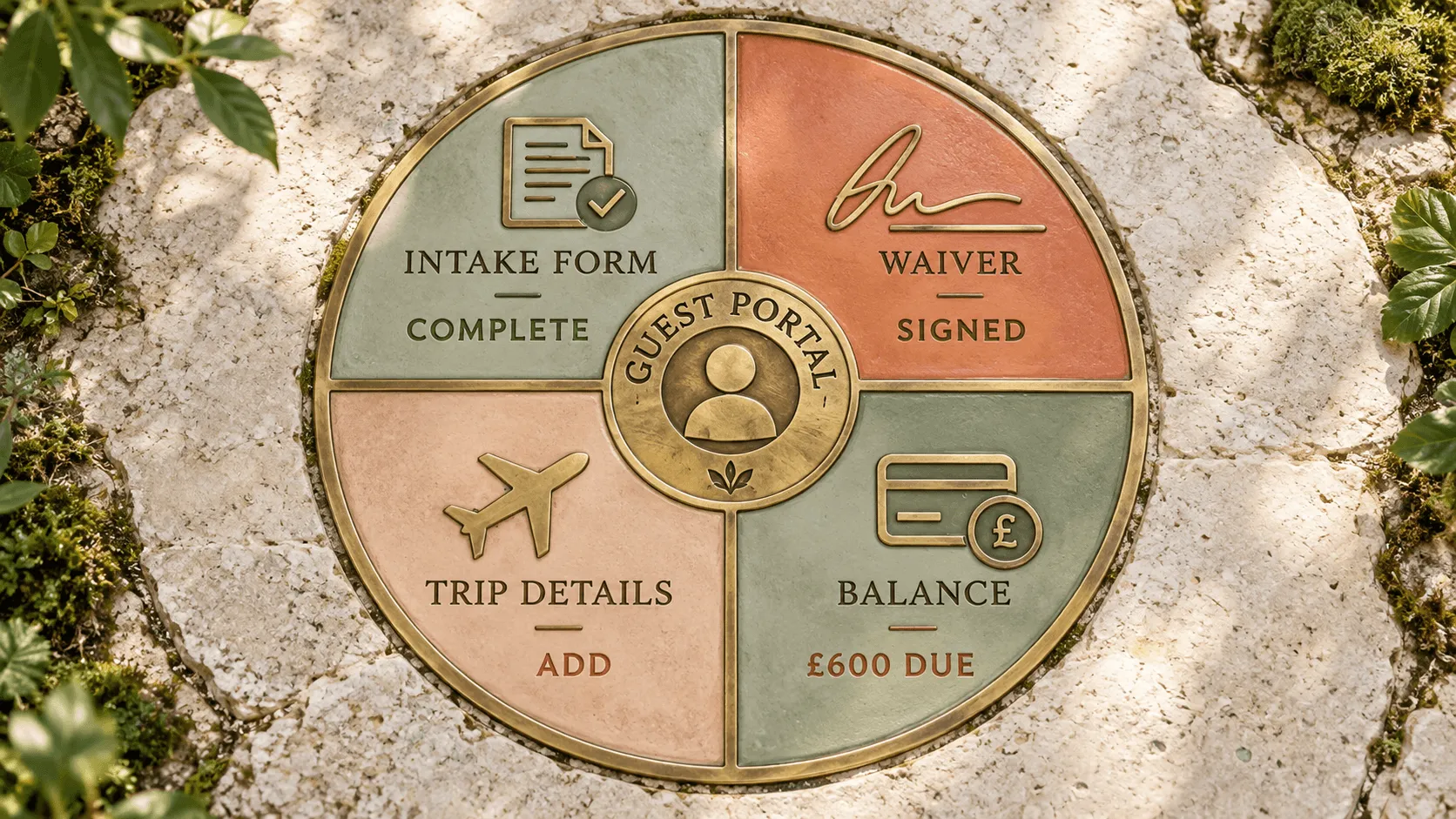
Gather Software supports waivers in the booking and guest flow, and the guest portal can hold forms, trip documents and balances alongside the guest record.
Questions you should not put in the initial booking form
Any question that is lengthy, sensitive, non-essential or easier to answer later should usually move out of the initial booking form. Checkout is the point where the guest is trying to secure their place. Do not make that step carry information your team will not use until later.
That includes detailed travel plans, long health histories, extended personal goals, non-urgent dietary preferences, open-ended "tell us about yourself" questions and information you never actually use. For businesses subject to GDPR, the data-minimisation principle requires personal data to be adequate, relevant and limited to what is necessary for the stated purpose.
Retreat registration form template and guest checklist
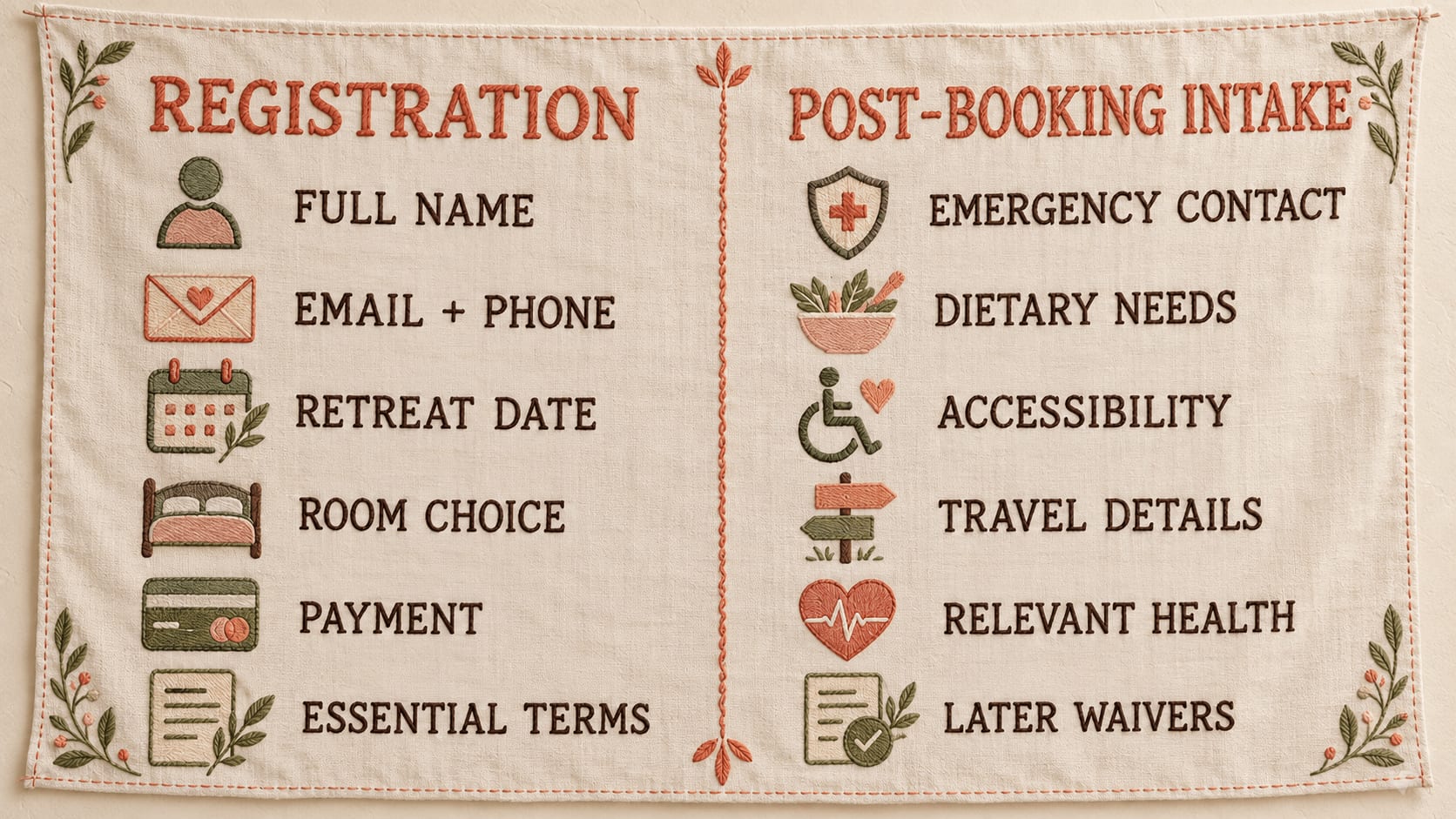
The simplest template is a two-part checklist. Part one covers the information required to book. Part two covers the information required to prepare for the guest. This keeps the retreat registration form short without leaving your team chasing essential details in the days before arrival.
Part 1: Registration form
Contact: full name, email and phone number
Retreat selection: retreat or date
Accommodation: room or accommodation choice
Payment: billing details and payment selection where required
Essential acknowledgements: booking-critical terms or policies
Part 2: Guest intake questionnaire
Emergency contact
Dietary requirements and allergies
Accessibility and practical accommodation needs
Relevant health information only where necessary
Arrival and departure details
Waivers and policies that can be completed after booking
Optional personal questions that have a clear purpose
Information | Registration | Post-booking intake |
|---|---|---|
Full name | Yes | No |
Email / phone | Yes | No |
Retreat date | Yes | No |
Room choice | Yes | No |
Payment | Yes | No |
Emergency contact | Usually later | Yes |
Dietary needs | Usually later | Yes |
Accessibility needs | If booking-critical | Yes |
Travel details | No | Yes |
Relevant health information | Only if necessary | Usually |
Waivers / acknowledgements | Essential items only | Can be completed later |
Keep guest information connected to the booking
The form is only one part of the workflow. Hosts still need to know which guest submitted which details, what is missing, whether a waiver is complete and what balance remains outstanding. That becomes difficult when booking, intake and payment information live in separate tools.
Gather combines bookings, guest management, intake, waivers, balances and trip information within one branded platform and guest flow. For more detail on how it works, see the Gather FAQs.
Make guest registration easier to manage
A well-designed form helps, but the bigger operational problem starts when registrations, waivers, balances and guest details live in different places. Gather Software keeps bookings, payments, deposits, guest intake, waivers and guest records connected in one branded system, with a guest portal for forms, trip documents and outstanding balances. It is built for independent retreat hosts and smaller retreat centres that have outgrown separate forms, payment links and spreadsheets. You can also review Software pricing before deciding whether it fits your operation.
If your guest registration process is spread across forms, inboxes and spreadsheets, Book a call.
Frequently Asked Questions
See where you are leaving bookings on the table
Book a call and we will tell you honestly whether Gather fits, and what to use if it does not.